
Voice messages mid‑race
From the people you love at every mile
Get (SPURRED ON) with from
the people you love at milestonesKM
chosen by you.

How it (works)
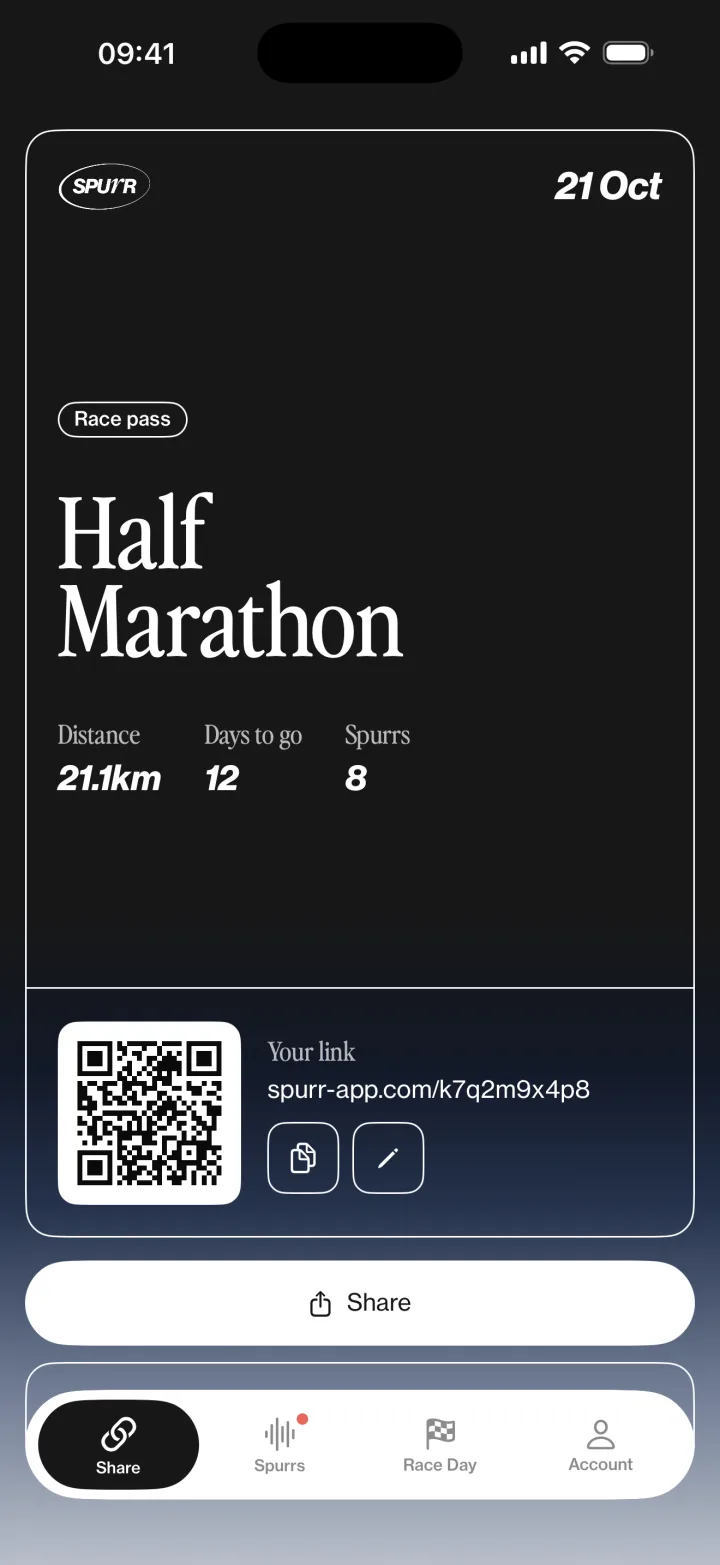
(01)Share your link
Send your unique link to friends and family.
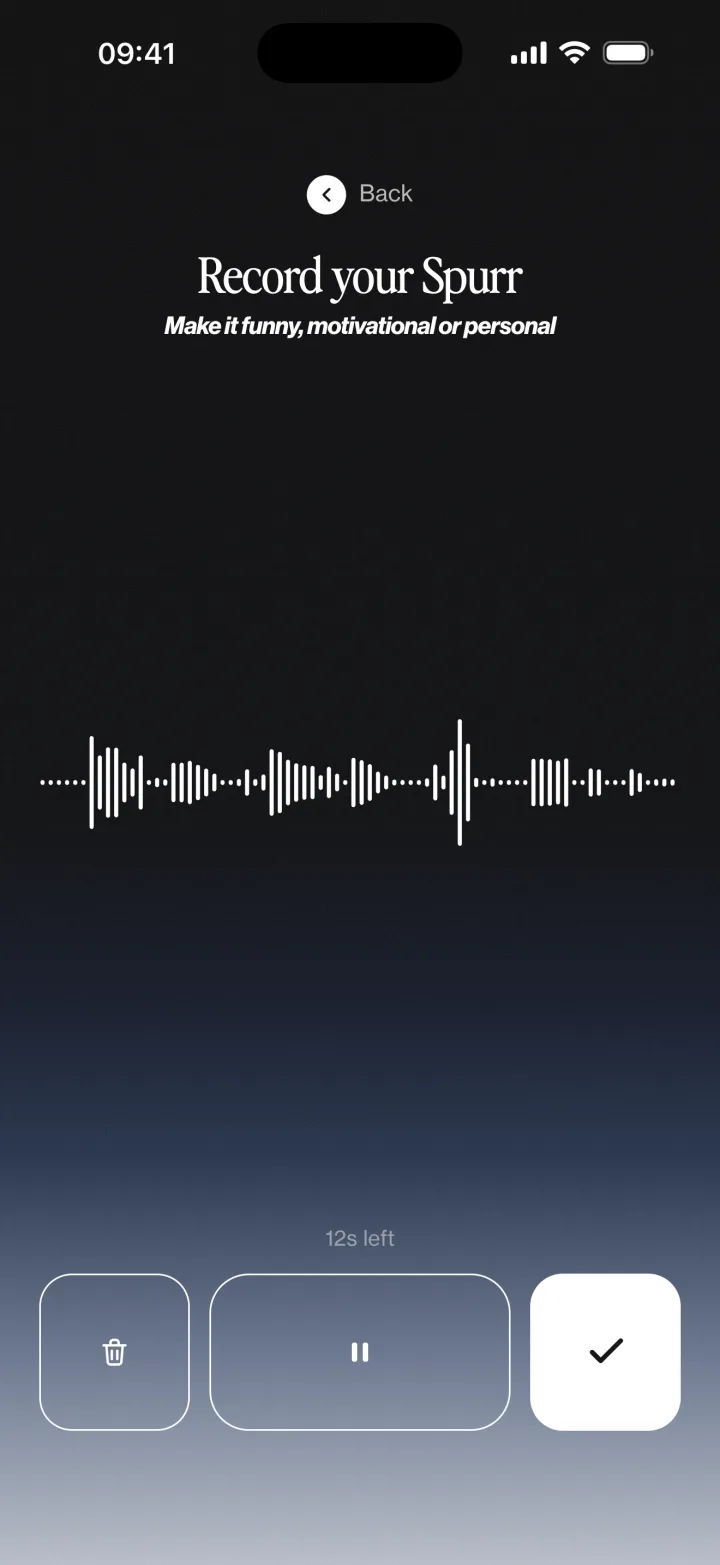
(02)Record a Spurr Supporter
Link opens in browser, no app or account needed. They add their name and record a message.
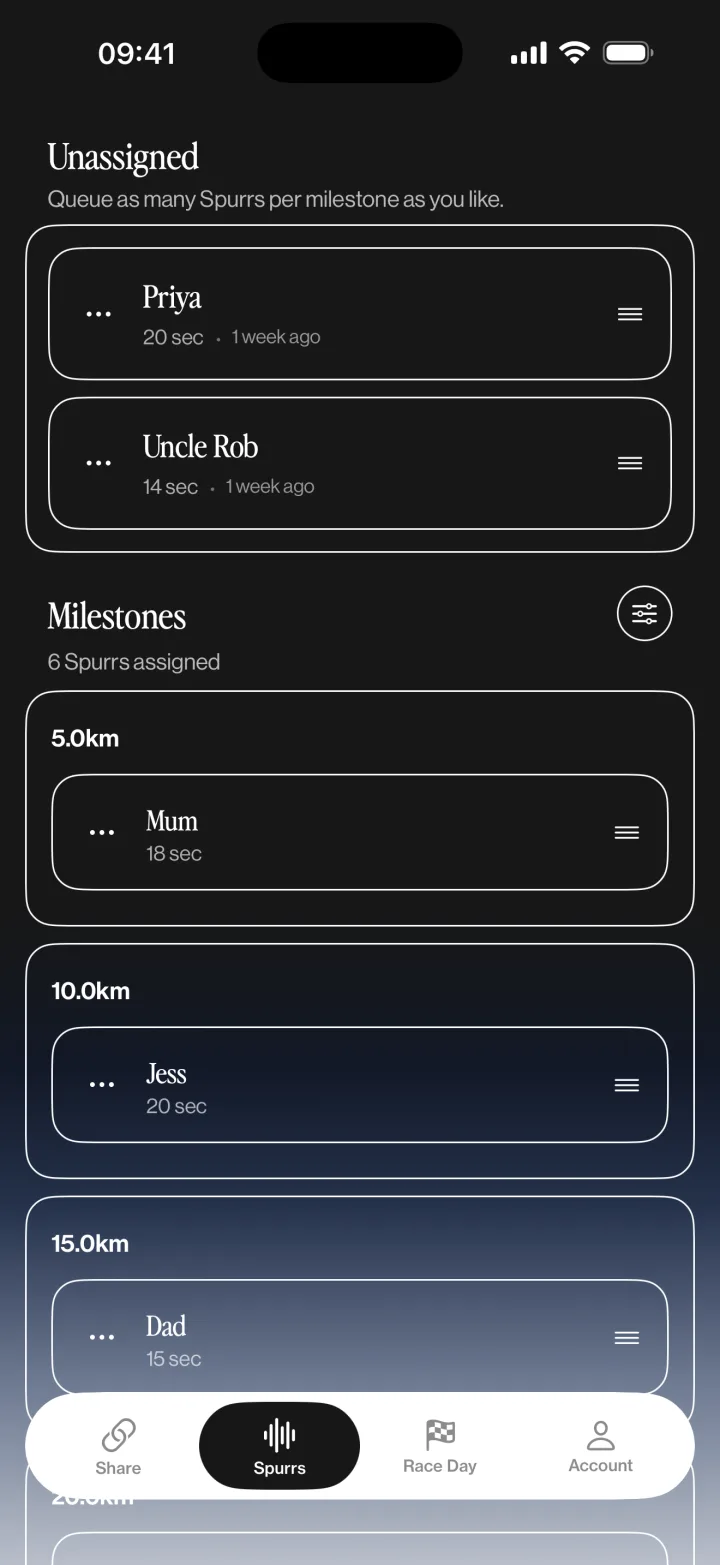
(03)Assign to milestone
You're notified as each Spurr arrives, and place it on one of your milestones.
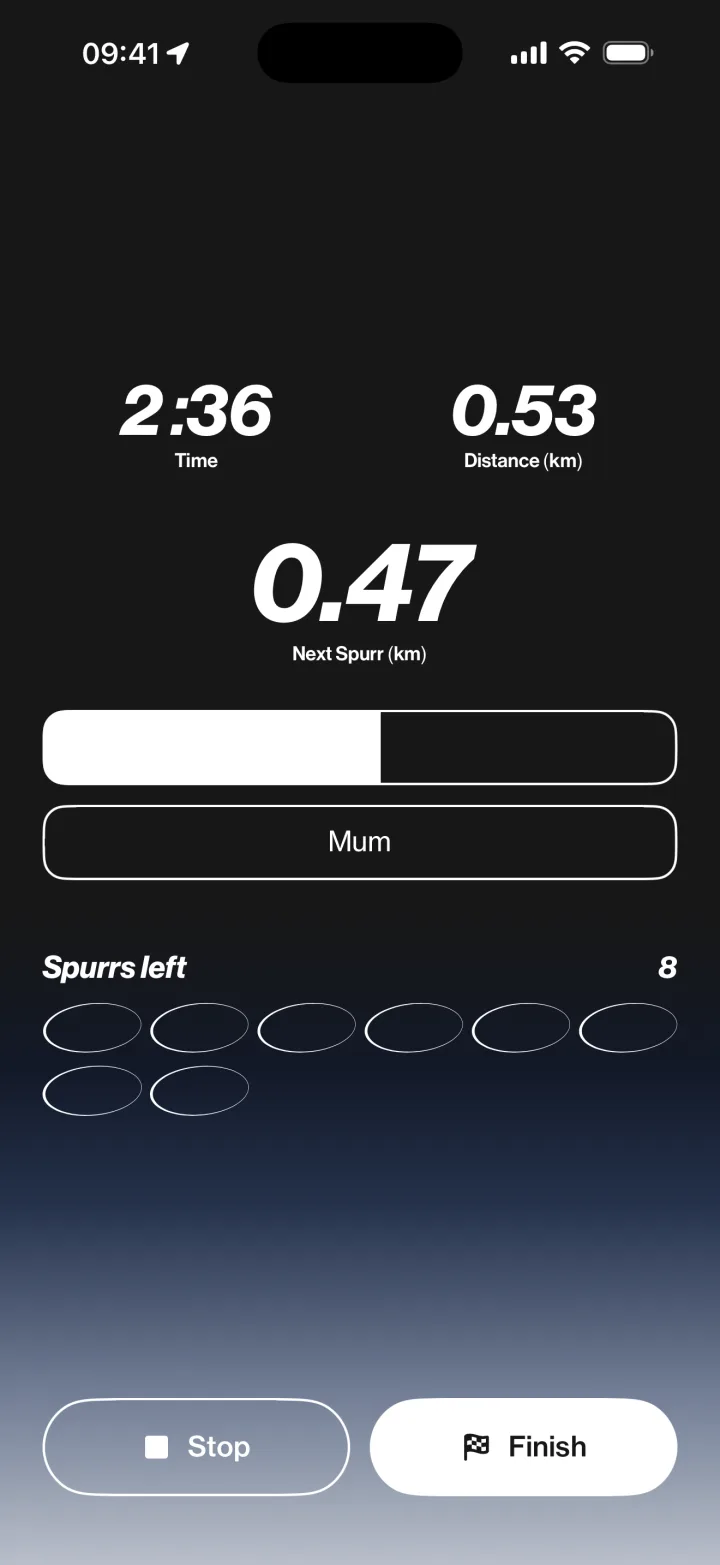
(04)Run your race
Spurr tracks your distance and plays each Spurr at its milestone, lowering your music while it plays.
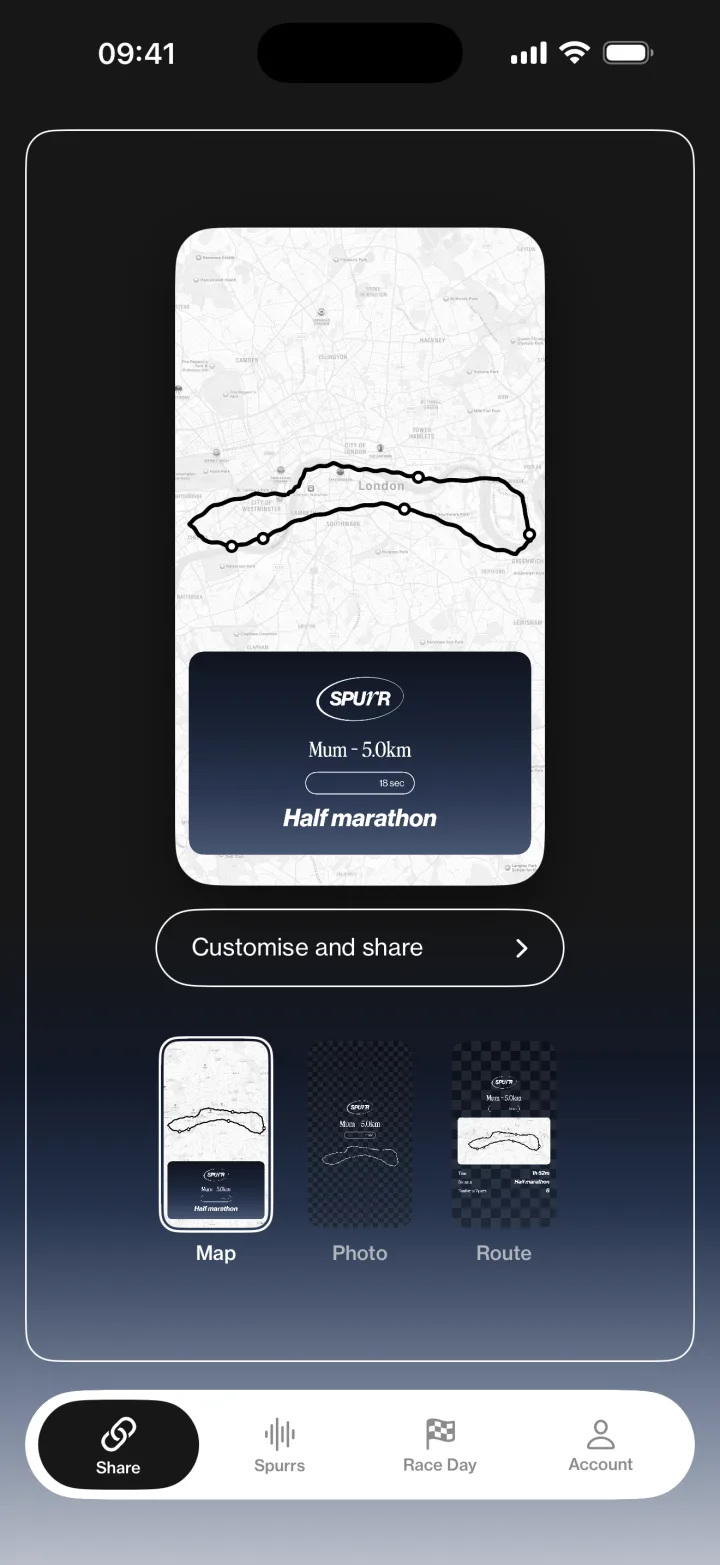
(05)Share your run
After the race, share your stats, with your Spurrs.
Hear a Spurr
FAQs
Do my friends need to download the app?
No. They open the link you send them in a browser, record their message, and that’s it — no app, no account, nothing to install.
What happens to my music?
Your music fades down, the message plays, then it comes straight back up. It works with whatever you’re listening to — Spotify, Apple Music, a podcast.
Do I need phone signal during my race?
No. Your messages download to your phone before you start, so they still play if you lose reception halfway round.
Do I have to stop using Strava or my watch?
No — keep running with whatever you already use. Spurr tracks your distance only so it knows when to play each message.
Does my phone need to be unlocked?
No. Keep it in your pocket or armband. Each message appears on your Lock Screen as it plays, so you can see who it’s from.
Do I choose which message plays where?
Yes. As each message arrives you assign it to one of your milestones, so you decide who you hear at halfway and who you hear at the finish.
How long is a message, and how many can I get?
Up to 20 seconds each, and as many as you have milestones.
Which phones does it work on?
iPhone for now. Spurr is currently in TestFlight beta.
Do I need to download an app?
No. The link opens in your browser — no app, no account, nothing to install. It works on a phone or a computer, as long as it has a microphone.
How long can my message be?
Up to 20 seconds. That’s longer than it sounds — say their name, say the one thing you’d shout from the roadside, and stop.
When will they actually hear it?
During their race. The runner assigns each message to a milestone they’ve picked — halfway, mile 20, the finish — and at that point their music fades down and your voice plays in their ear.
When do I need to send it by?
Before they start. Messages download to their phone ahead of the race so they play even with no signal, so anything sent after the gun may not reach them in time.
Can I re-record if I fluff it?
Yes — record as many takes as you like and listen back before you send. Nothing goes to the runner until you hit send.
Can I send more than one?
Yes. After you send, wait a few seconds and you can record another. The runner decides which message plays where.
Who else can hear it?
Just the runner — unless you leave “let the runner share this on social media” ticked when you send. Untick it and it stays between the two of you.
Will they know it’s from me?
Yes. The name you type is shown to the runner with your message, so they know whose voice is coming.
Can I find out when they hear it?
If you want to. After you send, you can leave an email address and we’ll write to you the moment your message plays in their race. It’s optional, it’s one email, and every one of them has a link that deletes your address.
Can I delete it after sending?
Ask the runner — they can delete any message from the app. If you’d rather it came from us, get in touch and we’ll remove it.